Define & Translate
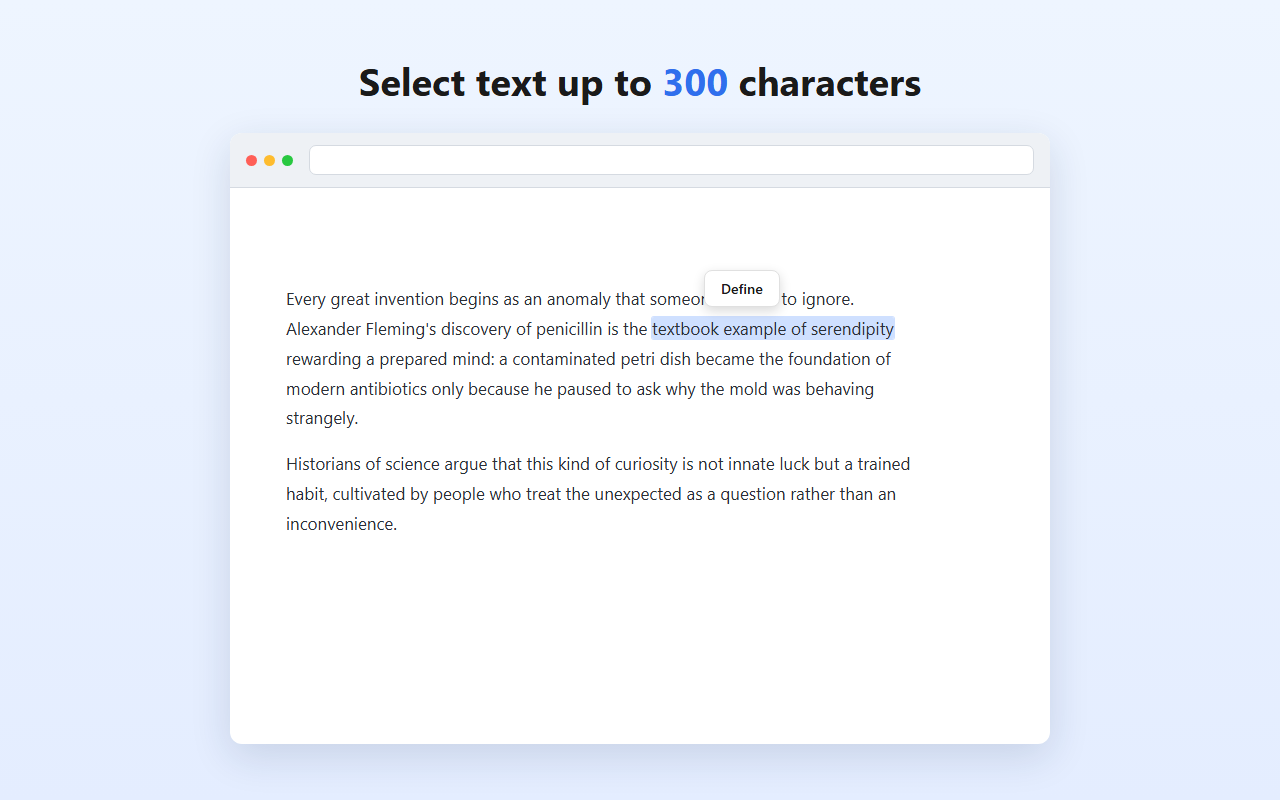
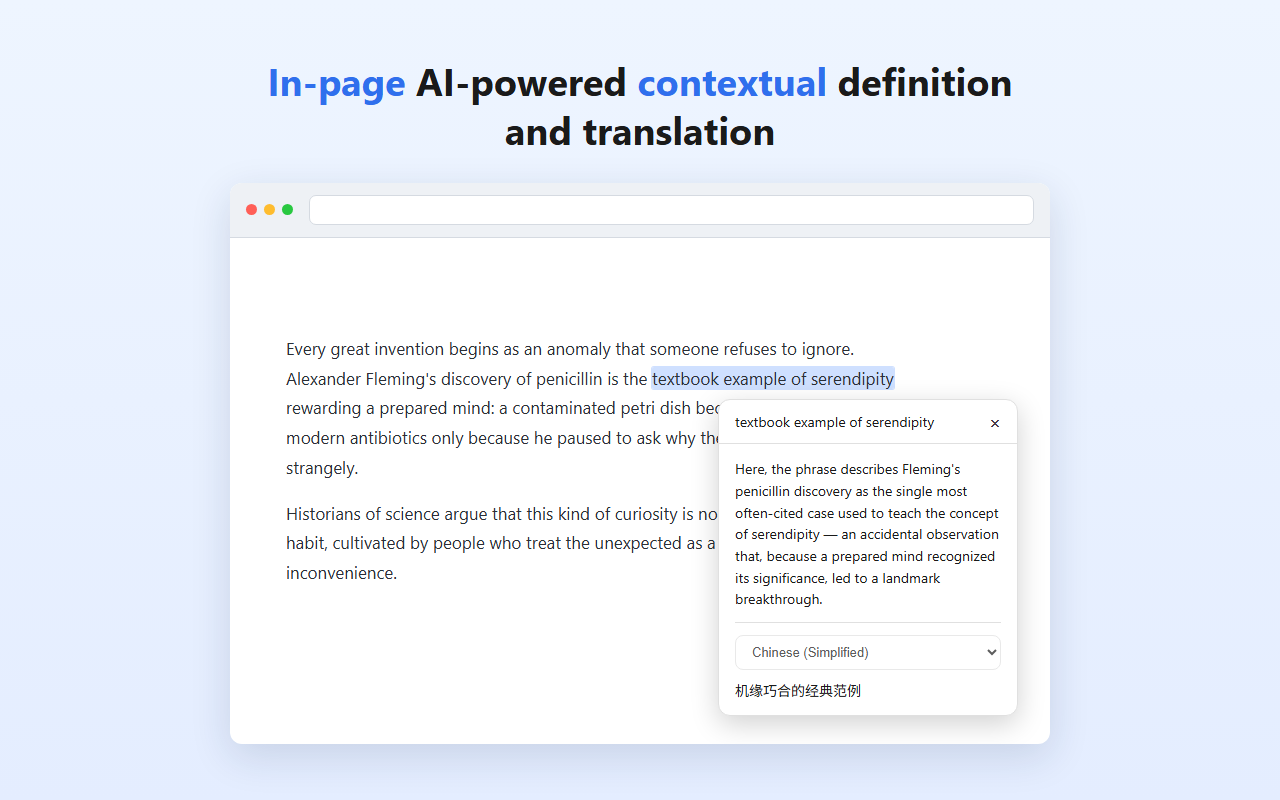
Select any word, phrase, or sentence on a web page and get a definition and translation that account for the surrounding context, without leaving the page.
A public Chrome Web Store listing is coming soon.
What it does
Context-aware definitions
Uses the surrounding sentences to explain what your selection means here, not just in general.
Translation into 14 languages
Translations that keep the meaning of the original context, in the language you pick.
Right on the page
A small in-page panel shows the result next to your selection. No new tabs, no copy-pasting.
Privacy-conscious
Works on https:// sites only, stays off login and payment pages, and never stores raw IP addresses.
How it works